Last updated: July 2026
Clean the Backyard Lost Games Checklist
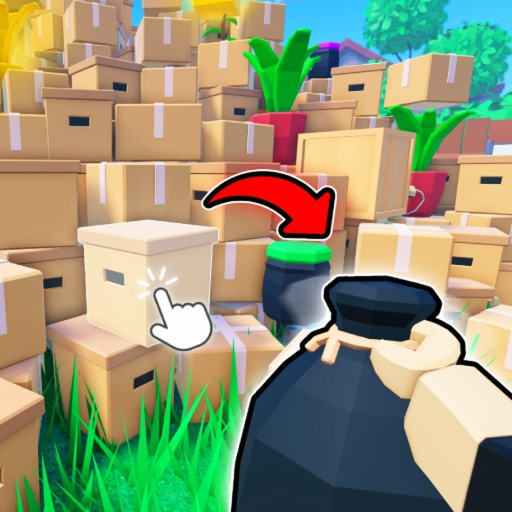
The Janitor badge in Clean the Backyard requires finding every Lost Game your mom threw into the trash piles. Without a tracker, it is easy to re-search sectors you already cleared or miss a cartridge buried under late-game mulch.
This checklist tool saves progress locally in your browser—no account required. Pair it with our find Lost Games guide and X-Ray Goggles gamepass review for the fastest completion route.
How to use this checklist
Work through the backyard in clockwise order from the shed spawn. Mark each item when you recover the corresponding Lost Game. Reset the list when starting a fresh account or after a major map update from Pot4to Studio.
- Open the checklist on the device you play Roblox on
- Mark items as found immediately after each recovery
- Cross-reference with the map guide for sector order
- Use X-Ray Goggles if you are stuck on the last few games
- Screenshot progress before rejoining servers after long sessions
Janitor badge requirements
The Janitor badge confirms you recovered and cleaned every Lost Game. Badge APIs occasionally lag—if credit fails, rejoin a fresh public server with your checklist at 100% before reporting a bug.
Lost Games recovery checklist
Track every Lost Game you recover in Clean the Backyard. Progress saves locally in your browser.
Frequently asked questions
Does checklist progress sync across devices?
No. Progress is stored in localStorage on the current browser only.
How many Lost Games are required for Janitor?
You must recover every Lost Game in the backyard. Use the checklist items as your completion target.